
The product, family by family
- 100 %
- inside your org
- 0
- outbound data by default
- 71
- controls self-assessed out of 255 catalogued
- 10 min
- to install
The French text governs. This page is the English version of Le produit FR.
OrgGuardian carries 139 capabilities, spread across seven families. This page gives them all, with two pieces of information the pricing grid did not carry: from which offer each is available, and in which state it arrives on installation day.
- 139
- capabilities shipped in the package
- 7
- families carrying them, plus support
- 20
- active on installation day, on the Discovery offer
The seven families
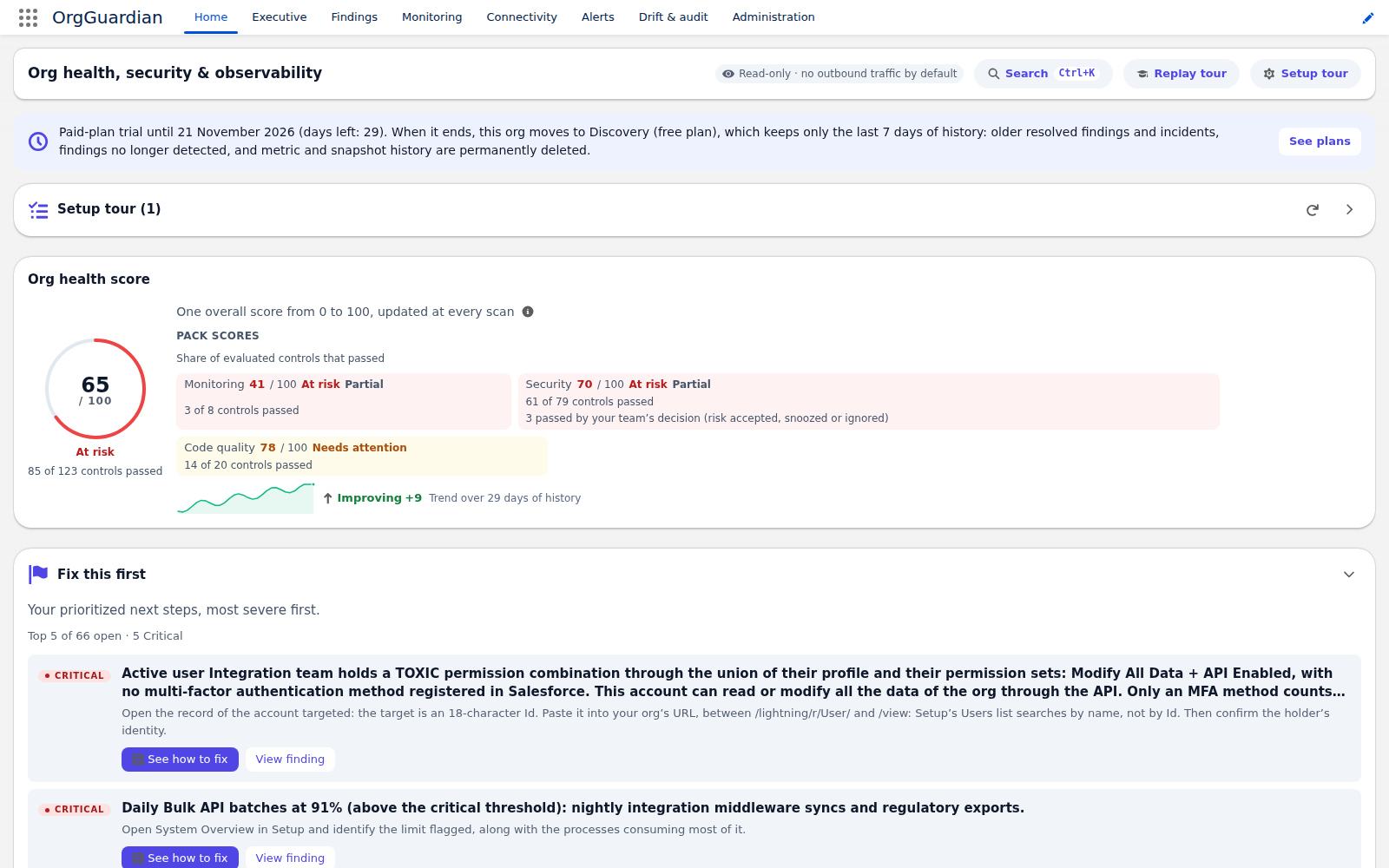
The pricing grid sells those same capabilities as 28 grid rows: one grid row bundles several capabilities of this page — two figures, one single reality. Multi-org has no page of its own: it fits in three capabilities, described below. Service is not a family of capabilities but a support commitment: it carries none of the 139, and lives on the support page.
What these 139 capabilities share
- Read only
- None of the capabilities removes a permission, closes an access or fixes a line of code. The product detects, costs, ranks and advises; a human decides.
- Your rights, not ours
- Every query runs with the rights of the user launching the scan. What that user may not see, the product does not see: it writes it into a “not measured” finding rather than concluding “healthy”.
- Nothing leaves by default
- Hosted viewer, external alert channels, SIEM, ITSM, Tooling API reads: everything that makes a call go out is closed at delivery and opens one by one, inside the org, by an administrator. The detail is on the publisher security page.
How to read “state at install”
It is the least flattering figure on this site, and that is exactly why it is here. Out of 139 capabilities, 20 return something on installation day, on a fresh org on the Discovery offer: 14 in monitoring, 3 in alerts, 2 in security, 1 in integrations. They are the monitoring core, callout and SOQL posture, two families of the free security core (guests, connected apps and OAuth tokens), in-org alerting and its two channels, the read REST API, logging and the console tooling. The other 119 wait either for a higher offer or for an administrator to open them.
Switches, at delivery
- 42
- open: the product already returns something
- 74
- closed: shipped, one click away inside the org
- 23
- display tiers: nothing to toggle, the offer alone decides
By offer
- 24
- Discovery
- 115
- Any paid plan
A “closed” capability is shipped: it is in the package, it opens with one click in the feature editor, and it needs no reinstall. It is closed because the package deploys without switching on anything that makes an outbound call, a wide read or an unwanted alert. Three gates of the Discovery offer itself are in that state — the finding detail inside the platform event, the same detail in the REST API, and the endpoint registry — because they would widen what the product exposes without anyone asking for it. The pricing grid gives the price of each tier.
Multi-org
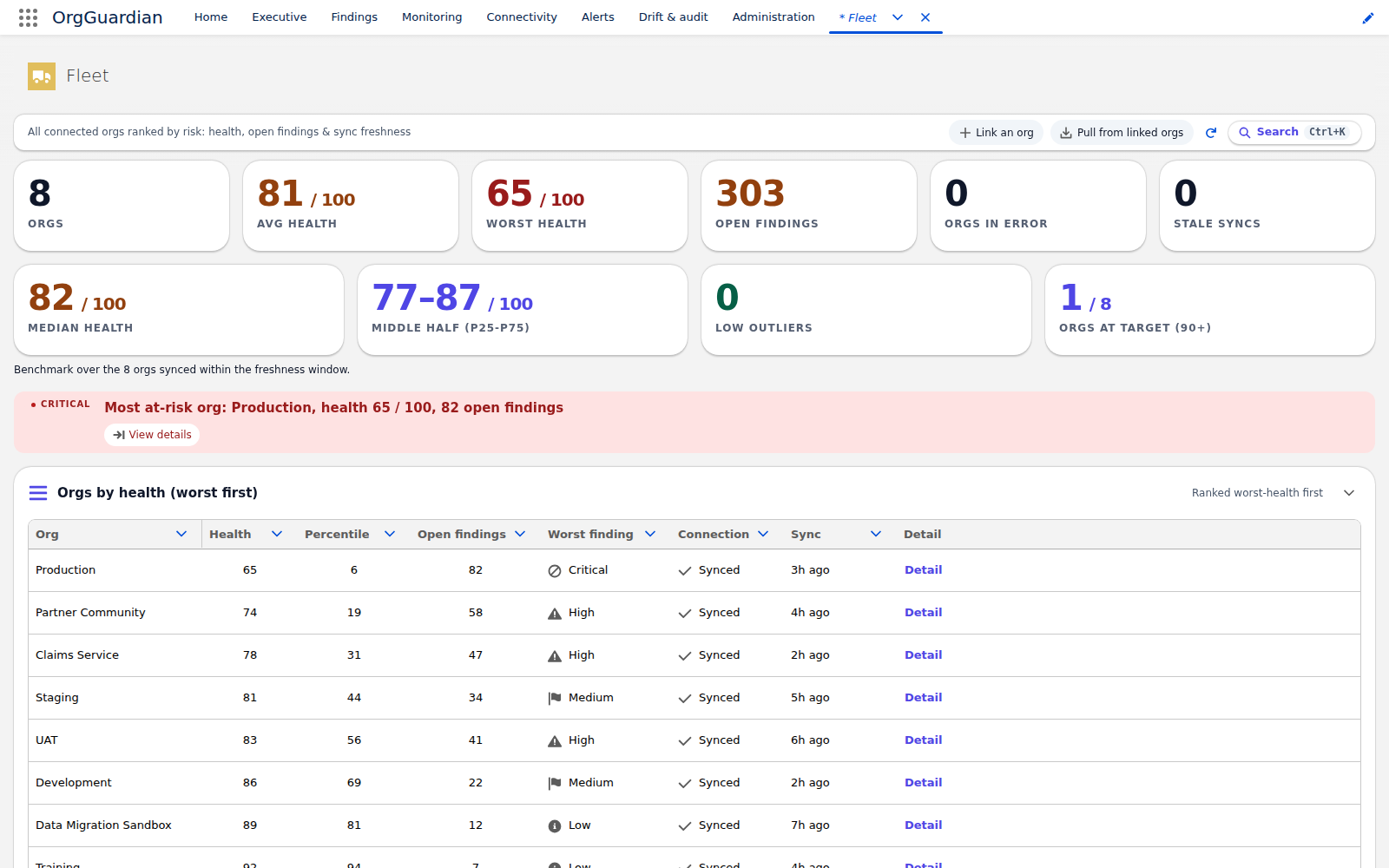
Three capabilities, and a single question: how to see ten orgs without opening ten tabs. Multi-org aggregation and white label are included in any paid plan; the EU-hosted viewer is an option, disabled at install, enabled by an administrator after explicit consent, publishing health aggregates only.
- Minimum offer
- Any paid plan, on every row of this table
- At install
- Closed, on every row of this table
| Capability |
|---|
Multi-org aggregationMulti_Org · fleet of up to 5 orgs included in Enterprise |
Fleet conformanceFleet_Conformance · the steering org judges each linked org against your declared fleet rules, in memory and on what it already pulled: conformant, non-conformant or not evaluated. No outbound flow |
Fleet parityFleet_Parity · the steering org pulls a linked org’s parity fingerprint through THAT org’s own Named Credential, on demand or by sweep |
Parity fingerprint APIParity_Fingerprint_Api · the sub-route that serves THIS org’s parity fingerprint to a steering org: the org being read is the one that consents, and it triggers no outbound call |
Linked org findingsFleet_Inbox · findings drawer for a linked org: one call per click, through that org’s own Named Credential, nothing stored |
White-label brandingWhite_Label |
Heroku optionHeroku_Tier · EU-hosted viewer, disabled at install, enabled after explicit consent |
Source: read from the package code at the moment this page is built — FeatureGate.FEATURE_TIER for the offer, FeatureGate.CODE_DEFAULTS for the state at install, and for the label the full resolution of FeatureToggleAdminController: the enablement guide’s catalogue first, the GateLabels custom labels next, and failing that the technical name as is. The editor’s labels — the whole column, not just that fallback — ship in English: master language en_US, and the package carries no translation file: these are the exact strings your administrator reads in the feature editor, and the site build fails if any of these lists moves without the others. “Closed” does not mean absent: the capability is shipped, it is waiting for a human to open it inside the org — and a capability whose implementation nothing in the package can reach appears on none of these pages: the build drops it instead of selling it.
Service
Support is not a gate in the code: it is a written commitment, with response times by criticality and an owned volume ceiling. It is detailed on the support and SLA page.